

How to Set Up Your Leo Account and Connect Your Ad Platforms
Leo brings all of your ad campaigns into one place and uses AI to help you create, optimize, and report on them. Getting started takes about five minutes. This guide walks through creating your account, connecting your ad platforms, and setting your first marketing objectives.
Step 1: Create Your Account
Go to Leo and click Create Account. You can sign up with your email address, or use Google or LinkedIn for one-click signup.
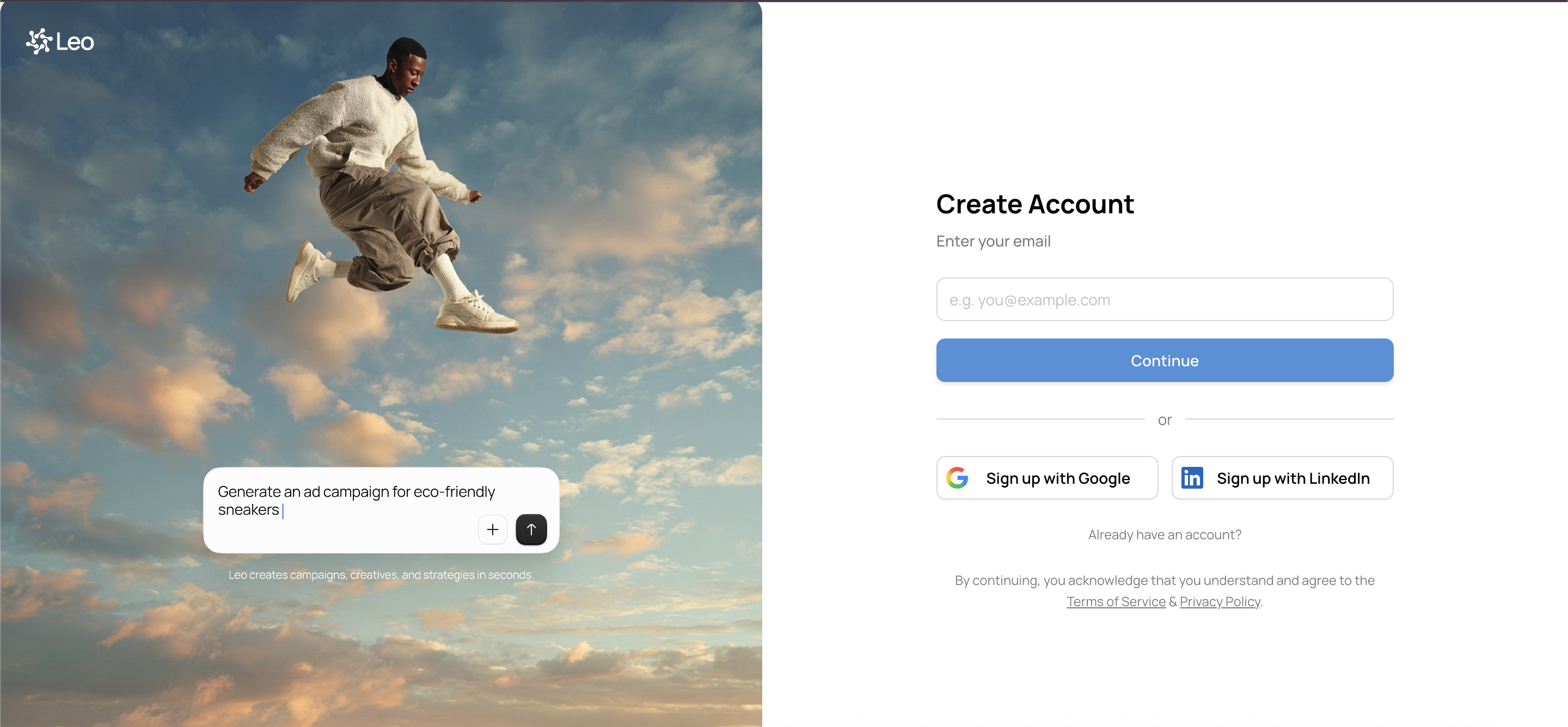
After you create your account, Leo will ask a few questions about your business — your company name, website, and what industry you’re in. This helps Leo tailor its recommendations and campaign strategies to your specific business.
Step 2: Connect Your Ad Platforms
Once you’re in, you’ll want to connect the ad platforms you’re running campaigns on. Leo supports:
- Meta (Facebook & Instagram)
- Google Ads
- TikTok
- Google Analytics
- Google Search Console
To connect a platform, go to Settings → Connections. You’ll see each platform listed with a Connect button. Clicking it starts an OAuth flow — you’ll log into that platform, authorize Leo to access your ad account, and you’re done.
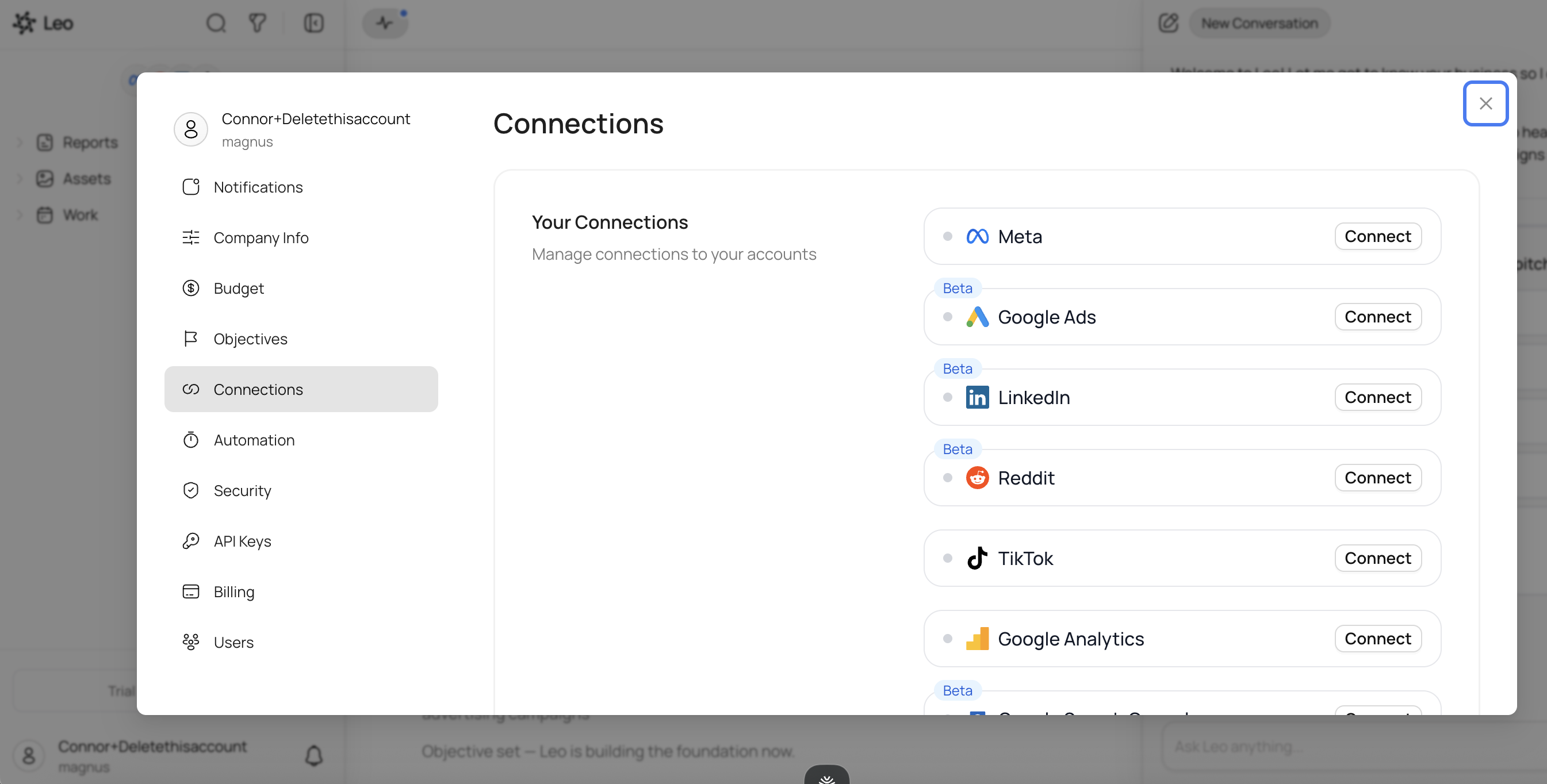
A few things to note:
- You need admin or advertiser access on the ad accounts you want to connect. If you’re not an admin, ask your team to grant you access first.
- Some platforms are in Beta. Google Ads, LinkedIn, and Reddit are marked as Beta in Leo — they work, but you may see new features added over time.
- You can connect multiple platforms. Leo works best when it can see your full advertising picture across channels.
Once connected, Leo automatically syncs your campaigns, ad sets, and ads. They’ll appear in the sidebar within a few minutes.
Step 3: Explore the Sidebar
After your platforms sync, the left sidebar becomes your navigation hub. You’ll see:
- Platform icons at the top showing which platforms are connected
- Reports — where AI-generated performance reports live
- Assets — your uploaded images and videos
- Work — scheduled and automated tasks
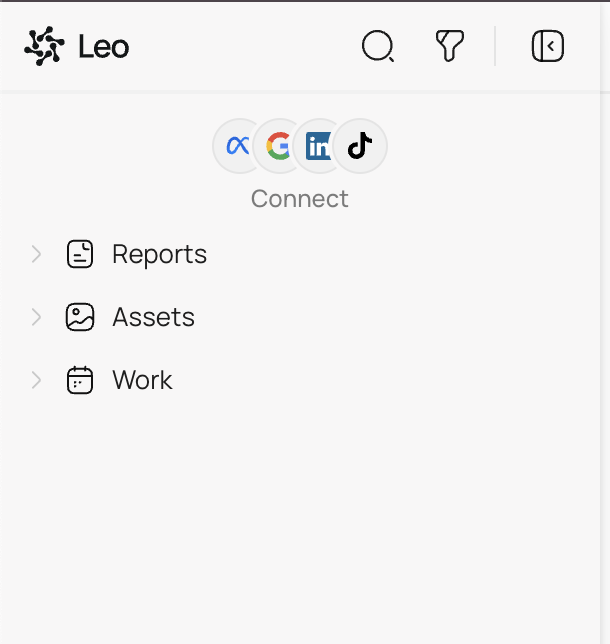
Clicking Connect under the platform icons takes you back to Settings → Connections if you need to add more platforms later.
As your campaigns sync, you’ll also see them appear in the sidebar organized by platform — expandable trees that let you drill from campaign down to ad set down to individual ad.
Step 4: Set Your Marketing Objectives
Leo works best when it knows what you’re trying to achieve. On the center panel, you’ll see the Objectives section where you can define your marketing goals.
Leo’s chat panel on the right will walk you through this. It asks questions about your business — what you sell, who your customers are, what outcomes matter most — and uses your answers to set up objectives like “Increase Sales & Revenue from Ads.”
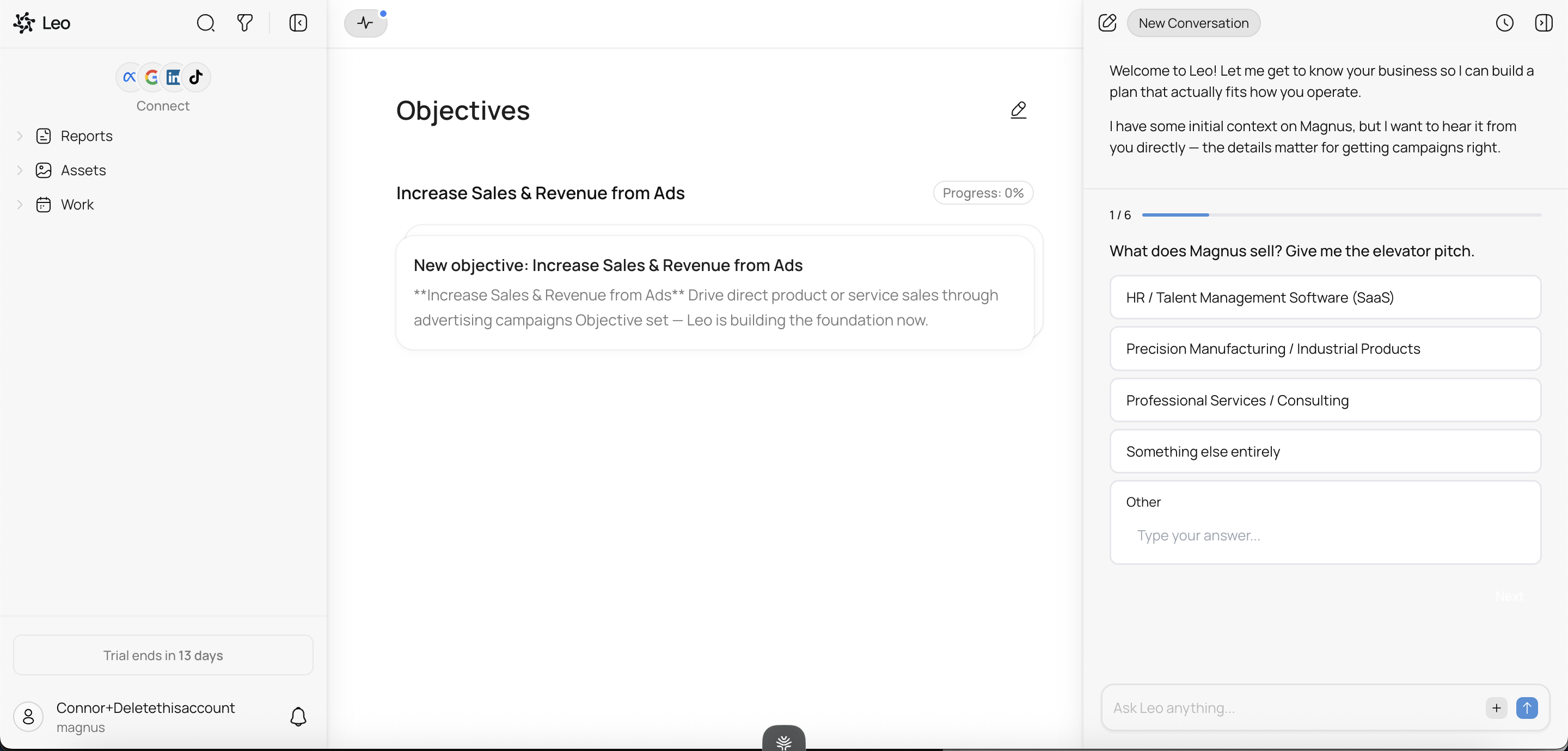
Each objective gets its own progress tracker. As Leo works on your campaigns, you’ll see progress move from Baseline through milestones like Tracking Verified, Campaigns Live, Audiences Tested, and Creatives Tested — all the way to Full Scale.
Each objective tracks a key metric — like ROAS — so you can see progress over time along with an Updates feed showing what Leo has done toward that goal.
Step 5: Start Talking to Leo
With your account set up, platforms connected, and objectives defined, you’re ready to go. The chat panel on the right side of the screen is where you interact with Leo. You can ask it to:
- Create a new campaign — describe what you want and Leo builds it
- Analyze your performance — ask questions like “which ads are underperforming?”
- Generate a report — get a full breakdown of your ad account performance
- Optimize an existing campaign — tell Leo to reduce your CPA or increase ROAS
Leo will propose changes and wait for your approval before making them, so you’re always in control.
Troubleshooting
My campaigns aren’t showing up after connecting. Give it a few minutes — the initial sync can take time depending on how many campaigns you have. If nothing appears after 10 minutes, try disconnecting and reconnecting the platform in Settings → Connections.
I can’t connect a platform. Make sure you have admin or advertiser access on the ad account. If you’re part of a team, your account admin may need to grant you the right permissions on the platform itself (not in Leo).
Leo is asking me questions I don’t know the answer to. That’s okay — you can skip questions or tell Leo you’re not sure. It will work with whatever information you provide and refine its approach as it learns more about your business.